



Brushes that feel just right
Each one was measured against Clip Studio Paint's and tuned until it paints alike. Every stroke below was drawn by Pawlette itself, pressing light, then hard, then light again.
 G-pen
 Real G-pen
 Turnip pen
 Mapping pen
 Brush
 Calligraphy
 Watercolor
 Gouache
 Thick oil
 Oil paint
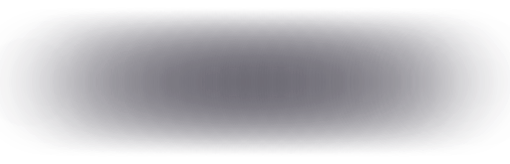 Airbrush
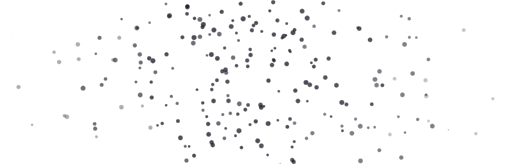 Spray
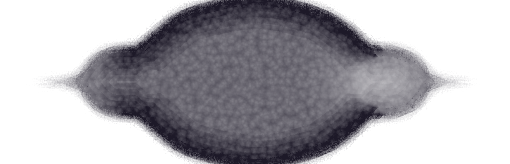 Wet blotting ink
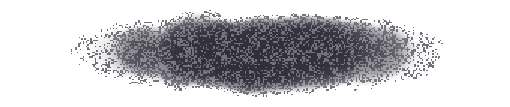 Dry gouache
 Rough pen
 Felt pen
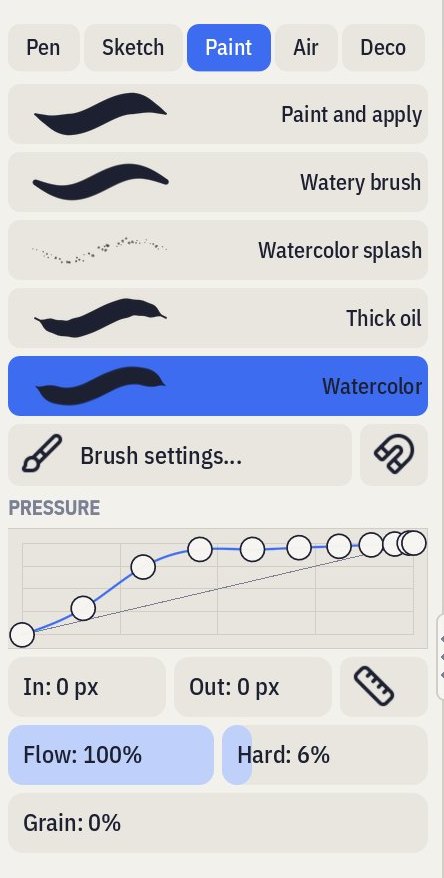 the real app!
Make every brush yours
Change any brush and it remembers. Changed your mind? One tap puts it back the way it came.
Play with everything: the pressure curve, the tip, the paper texture, how paint mixes and how a wash pools.
Bring your brushes over from Clip Studio Paint, Photoshop or Krita, and share your own as a single file.
Everything for your characters
Ink that stays editable
Thicken, recolour, smooth or move a line after drawing it, and erase it back to where it crosses another.
Your hand, not a filter
Pressure, tilt and a stabilizer for each brush, so lines swell and thin the way you meant.
Comic pages
Manga and comic sizes with bleed and safe areas, panels, speech balloons and webtoon strips.
3D poses
Pose a figure on its own layer and draw over it when the angle gets tricky.
Animation
Frames, onion skin and a timeline, for loops, sprites and little animations.
Paint like paint
Watercolour that pools at its edges, gouache that covers, brushes that pick up colour and drag it along.
Where to get it
Pawlette isn't out yet, but it's on its way!
Buy it once, it's yours
You pay for Pawlette once. There's no subscription, no ads and no account.
Someone answers
Stuck, or found a bug? Write to us and you'll hear back from the person who makes Pawlette.
Ask for what you need
If you bought Pawlette, you can ask for new features and improvements. We read every request.
Or build it yourself
Like Aseprite, Pawlette's source code will be on GitHub. If you know how to build it on your computer, you can use it for free.
Building it yourself and want to say thanks? Buy us a coffee on Ko-fi